1. 서론
"소중한 옛 사진이 흐릿해서 속상하셨나요? 저장해 둔 이미지가 깨져서 못 썼던 경험이 있나요? AI가 당신의 모든 저화질 이미지를 4K 고화질로 부활시킵니다!"
SNS에 올리고 싶은 사진인데 확대하면 픽셀이 깨져서 아쉬웠던 경험, 분명히 있을 겁니다. 혹은 AI로 생성한 이미지인데, 더 큰 사이즈로 인쇄하거나 활용하고 싶을 때 해상도가 부족해서 망설이셨나요? 이제 'AI 업스케일링(Upscaling)' 기술로 저화질 이미지를 4K, 8K 이상의 초고화질로 탈바꿈시킬 수 있습니다.
이번 시간에는 AI 이미지 업스케일링의 개념부터 실제 활용법, 그리고 더 나아가 화질 개선과 동시에 이미지의 디테일을 추가하는 마법 같은 프롬프트 레시피 10가지를 공개합니다.
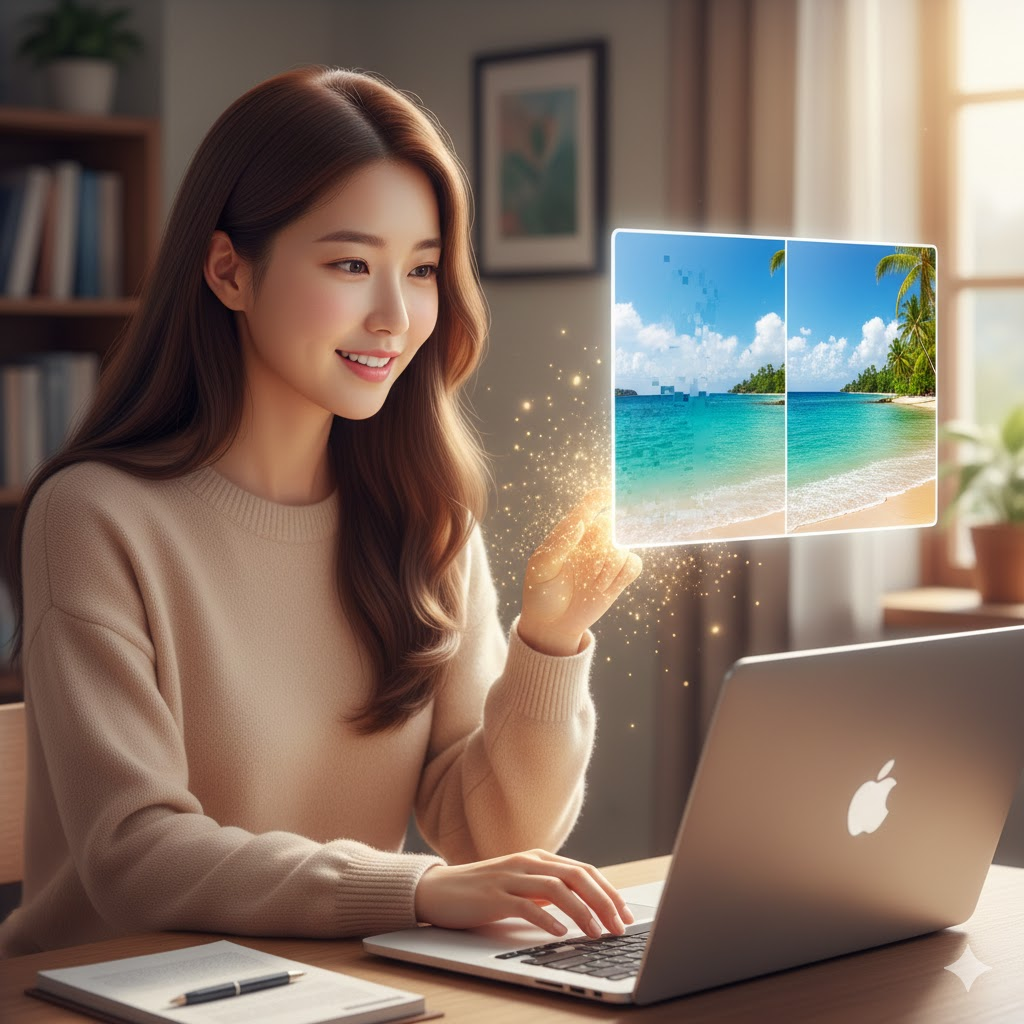
2. 저화질 이미지를 4K 고화질로 업그레이드하는 AI 프롬프트 레시피 (Total 10 Themes)
* 활용 팁:
- 현재 대부분의 이미지 생성 AI(DALL-E 3, Midjourney)는 별도의 업스케일링 프롬프트 없이도 고화질 이미지를 기본 제공합니다.
- 이 프롬프트들은 주로 'AI 업스케일링 툴'(예: Topaz Labs Gigapixel AI, Remini, Waifu2x, Upscayl 등)에 이미지를 업로드한 후, 추가적인 디테일/스타일 보강을 위한 지시로 활용됩니다.
- 일부 이미지 생성 AI의 'Edit' 모드나 특정 AI 모델(Stable Diffusion 등)에서는 이 프롬프트들을 'Remaster' 또는 'Upscale' 명령 시 함께 사용하여 더욱 풍부한 결과물을 얻을 수 있습니다.
1. 인물 사진 보정 (선명한 얼굴과 피부 표현)
- (얼굴 선명도 강화): Upscale this portrait, enhance facial features, sharp eyes, smooth skin texture, photorealistic 4K.
- (머리카락 디테일 추가): Upscale, add finer details to hair strands, natural sheen, soft bokeh.
- (피부 질감 개선): Remaster, improve skin texture, subtly remove blemishes, natural complexion, 8K.
- (전신 인물 선명하게): Upscale full-body shot, sharpen clothing details, clear background, high resolution.
2. 풍경 사진 고화질 변환 (자연의 웅장함을 살리며)
- (산 풍경 선명화): Upscale mountain landscape, sharpen rock textures, clarify distant trees, vibrant sky, 4K.
- (바다 물결 디테일): Remaster ocean view, enhance water ripples, clear horizon line, vivid blue, 8K.
- (도시 야경 디테일): Upscale city nightscape, sharper building edges, distinct light sources, vibrant reflections, high resolution.
- (숲속 풍경 디테일): Upscale forest scene, enhance individual leaf details, subtle sunbeams, deep green tones.
3. 사물/제품 사진 업그레이드 (쇼핑몰, 포트폴리오용)
- (제품 표면 질감 강조): Upscale product shot, enhance metallic texture, sharp reflections, clean background, 4K.
- (음식 디테일 강화): Remaster food photography, enhance crispiness, vibrant colors, clear steam effect, 8K.
- (주얼리 광택 표현): Upscale jewelry photo, enhance diamond sparkle, polished gold texture, subtle shadows.
- (의류 직물 디테일): Upscale clothing item, enhance fabric weave, sharp stitching, natural drape.
4. 미술 작품/일러스트 선명화 (디지털 콘텐츠용)
- (유화 질감 살리기): Upscale oil painting, enhance brush strokes, vibrant colors, canvas texture, 4K.
- (수채화 번짐 효과 유지): Remaster watercolor illustration, maintain soft blend, vivid hues, sharp outlines, 8K.
- (픽셀 아트 부드럽게): Upscale pixel art, smooth jagged edges, maintain original style, enhance color depth.
- (카툰/애니메이션 선명하게): Upscale cartoon character, sharpen line art, vibrant flat colors, smooth gradients.
5. 빈티지/흑백 사진 복원 (추억 보정)
- (오래된 사진 선명화): Upscale old photograph, reduce grain, subtly sharpen features, maintain vintage charm, 4K.
- (흑백 사진 대비 강화): Remaster black and white photo, enhance contrast, deep blacks, bright whites, rich grayscale.
- (손상된 부분 복원): Upscale damaged photo, remove minor scratches and dust, restore faded areas, natural look.
- (세피아 톤 유지): Upscale sepia tone photo, enhance warmth, sharpen details, preserve antique feel.
6. 건축물/인테리어 디테일 강화 (부동산, 디자인용)
- (건축물 외관 선명화): Upscale architectural photo, sharpen building lines, enhance material textures (brick, glass), clear sky, 4K.
- (실내 인테리어 디테일): Remaster interior design photo, enhance furniture textures, clear lighting fixtures, cozy atmosphere, 8K.
- (창밖 풍경 선명하게): Upscale indoor scene, clarify the view outside the window, natural light.
- (벽면 질감 강조): Upscale wall texture, enhance subtle patterns (wood, concrete, wallpaper), crisp details.
7. 그래픽/아이콘 선명화 (UI/UX, 웹 디자인용)
- (아이콘 선명화): Upscale flat icon, sharpen edges, smooth colors, crisp detail, SVG quality.
- (웹 배너 고화질): Remaster web banner, enhance text readability, vibrant graphics, smooth gradients, 4K.
- (픽토그램 선명화): Upscale pictogram, clear lines, simple colors, minimalist style, vector-like quality.
- (3D 렌더링 디테일): Upscale 3D render, enhance surface reflections, clear shadows, photorealistic quality.
8. 밤하늘/우주 사진 (천문학, 사이언스 콘텐츠용)
- (별 사진 선명화): Upscale starry night sky, sharpen individual stars, deep black background, celestial glow, 4K.
- (은하수 디테일 강화): Remaster Milky Way photo, enhance swirling dust clouds, vibrant nebulae colors, clear core, 8K.
- (행성/달 표면 디테일): Upscale planet surface, sharpen craters, clear atmospheric features, scientific accuracy.
- (오로라 색상 강화): Upscale aurora borealis, enhance vibrant green and purple hues, dynamic light movement.
9. 동식물 사진 (자연 다큐멘터리, 교육용)
- (동물 털 질감 강화): Upscale animal photo, enhance individual fur strands, sharp eyes, natural texture, 4K.
- (꽃잎/잎사귀 디테일): Remaster flower close-up, enhance petal veins, dew drops, vibrant colors, 8K.
- (새 깃털 선명화): Upscale bird plumage, sharpen feather details, iridescent colors, clear background.
- (곤충/미시세계 디테일): Upscale insect macro shot, enhance intricate body parts, sharp focus, scientific illustration.
10. 추상적인 아트/배경 (콘텐츠 배경, 영감용)
- (추상화 색상 선명화): Upscale abstract art, enhance color gradients, sharp geometric lines, vibrant tones, 4K.
- (빛 번짐 효과 강화): Remaster bokeh background, enhance smooth light circles, vibrant glow, dreamy effect, 8K.
- (텍스처 디테일): Upscale textured background (wood, concrete, fabric), enhance surface irregularities, realistic feel.
- (액체 흐름 디테일): Upscale liquid art, enhance flowing patterns, vibrant transparency, dynamic motion.
* AI 업스케일링 성공률 200% 꿀팁
- '원본 유지' 강조: 업스케일링 툴에 따라 maintain original style 또는 without altering artistic intent 등의 프롬프트를 추가하면 원본의 느낌을 살리면서 화질만 개선할 수 있습니다.
- '고화질 관련 키워드' 추가: high resolution, 4K, 8K, ultra HD, sharp details, crisp 등을 프롬프트에 포함하여 AI가 고화질에 집중하도록 유도하세요.
- 부분 업스케일링 활용: 이미지 전체보다 특정 인물이나 사물만 선명하게 만들고 싶다면, 해당 영역을 지정하여 업스케일링하는 기능을 활용하세요.
- 노이즈 감소와 병행: 저화질 이미지는 노이즈가 많으므로, 업스케일링 전에 denoise, reduce grain 등의 명령어를 함께 사용하면 더 깨끗한 결과물을 얻을 수 있습니다.
3. 결론
화질의 한계를 뛰어넘는 AI의 힘
이제는 소중한 추억이 담긴 옛 사진부터, 온라인에서 발견한 멋진 이미지까지, 화질 때문에 포기할 필요가 없습니다. AI 업스케일링은 단순히 해상도를 높이는 것을 넘어, 이미지에 새로운 생명력을 불어넣는 마법과 같습니다. 오늘 배운 프롬프트와 팁으로 여러분의 모든 이미지를 최고급 갤러리 작품처럼 만들어보세요!
'생성형 AI > 생성형 AI의 활용' 카테고리의 다른 글
| 캔바(Canva)로 카드뉴스 10분 만에 만드는 프롬프트 (0) | 2026.02.07 |
|---|---|
| 클릭을 부르는 '어그로' 만점 카드뉴스 제목 뽑는 프롬프트 (0) | 2026.02.07 |
| 내 콘텐츠의 시그니처가 될 로고와 스티커 만들기 (0) | 2026.02.06 |
| 불필요한 배경은 지우고 원하는 물체만 쏙 넣는 AI이미지 편집 방법 (0) | 2026.02.04 |
| 초상권 걱정 없는 AI 가상 모델 생성 및 활용법 (0) | 2026.02.04 |